Friday, April 8, 2016

Character Development

We recently began the 4th quarter and are working on creating animations in photoshop. For our animations, we will be using the puppet warp tool to move and change our body movements. We will be creating an individual animation then will be working in teams to create a story with all of our characters combined. 

For this project we are supposed to create an animation which shows our imperfections and traits. We are also supposed to show what kind of people we are. I am the type of person who can be lazy when I can be, but can work hard when I need to. I am also the kind of person who really likes listening to something whether it be music, the t.v or anything really, I just like listening to things. In our animation the traits I plan to show are hard working and reliability. Some relatable imperfections I have are that I can be totally normal and quiet or at times really talkative and obnoxious. Another imperfection I have is that if I think too hard when Im sleeping I think of something to look at on my computer and never can fall asleep.

In this animation I am working with two other teammates. We all need to have our characters in the animation and have to show traits we have, in the story. The trait I plan to exaggerate in our animation is reliable. I plan to show this by having my character be the person who people come to for advice. I also plan to show this by making my character a person who will do what is asked of them. Another trait I plan to show is hardworking. I plan to show this trait by having my character work hard and get things done. I also plan to show this by making myself someone who makes sure things happen. Overall, I think that this will be a fun and enjoyable project where I can show my traits in an interesting animation.

For the first part of our animation project, we began by creating a GIF. In this GIF, we needed to take an image of our bodies on the green screen and cut them out. We also needed to use the puppet warp tool to make our bodies move. We created these GIFs using photoshop in the animation feature. The first step of creating GIFS is cutting out the green screen image of our bodies. Second, we need to crop the image to 640 px, by 720 px. Next, we need to open up the animation in photoshop. Then, we create new frames and animate the character with the puppet warp tool. And lastly, you save the file for "web and devices" and size the finished .GIF. Personally, I like the way my .GIF came out because it's simple and also pretty funny too. I thought that that the puppet warp tool was pretty cool after I got the hang of it. I Also liked doing it because it was the second one I created it in this class, one this year, and one last year.




Saturday, March 12, 2016

.MOV Film Festival


Visual Plan & 3 Behind Scenes


Recently we began working on films for the Kaua'i movie festival. This project needed to be either an animation, movie trailer or sitcom. I really like projects like this because their fun and I learn a lot of new skills. My teammates for this project are Meah Jensen and Makaio Gonsalves.

For our project, we decided to create a movie trailer. Like all movies, and movie trailers, there are often some sort of message trying to be shared. And these messages or learning experiences should Include some keywords to explain it. Some of our keywords are encouragement, embarrassed, and shy. These keywords really connect with our audience because everybody has encouraged others to do something. Also, we've all needed some encourage sometime in our lives. Embarrassed and shy also can relate to our audience because whether or not we want to admit it, we all have felt unsure or not good enough to do something. In our film, the character begins as an embarrassed and shy but throughout the story, he becomes more determined and less shy to do what he loves.

The message in our Movie is that we all need encouragement and help from our peers in order for us to get through life. We thought this was an important message because all of us personally have experienced some sort of encouragement throughout our lives and We have all witnessed how important it  is. The message of our story is supposed to show how the basketball player (me) grows throughout the story and is motivated to share his talents and to face his fears. We thought that this would be a good way to share the message because we are all pretty interested in sports. Also, we all know how frustrating it is when were not exactly good at something and how great encouragement can be.

So obviously every individual or team project, there is almost always some kind of issues that come along with the work. Whether it be not meeting due dates, or not working well together, problems always seem to come up while working on any type of project for our class. For our current, movie trailer project I would have to say that the most difficult challenge would have to be, in the post-filming editing stages. For example, when we're editing the sequencing and scenes, we often don't feel that it's the way we want it. Also when were deciding how we want the audio to be because sometimes we don't have the same opinion or idea in our minds, but as we talk to each other and share our ideas we often will find some way to resolve the issue.

Monday, February 1, 2016

Tiny Spherical Worlds

Hello so we recently completed our photomontages inspired by David Hockney and we were introduced to a new art called polar and spherical imagery. I am pretty excited about this project because I always thought they were pretty cool and have always wanted to try to create one in photoshop.

Alright, so composition images are basically multiple photos in one. For example, if add a park bench in the middle of the ocean. These can be created through editing software such as photoshop. Another example of composite imagery is cloning, this is when you take one base image then images of yourself or something in multiple places then you erase  the background from each image and stack the images on one another. An example of this would be if you were playing a board game then edited photos to make it look like you were playing against yourself. Composite imagery is used to create images that are confusing or cool looking. Personally, I like how composite images look because they look interesting to me and other people who see them.


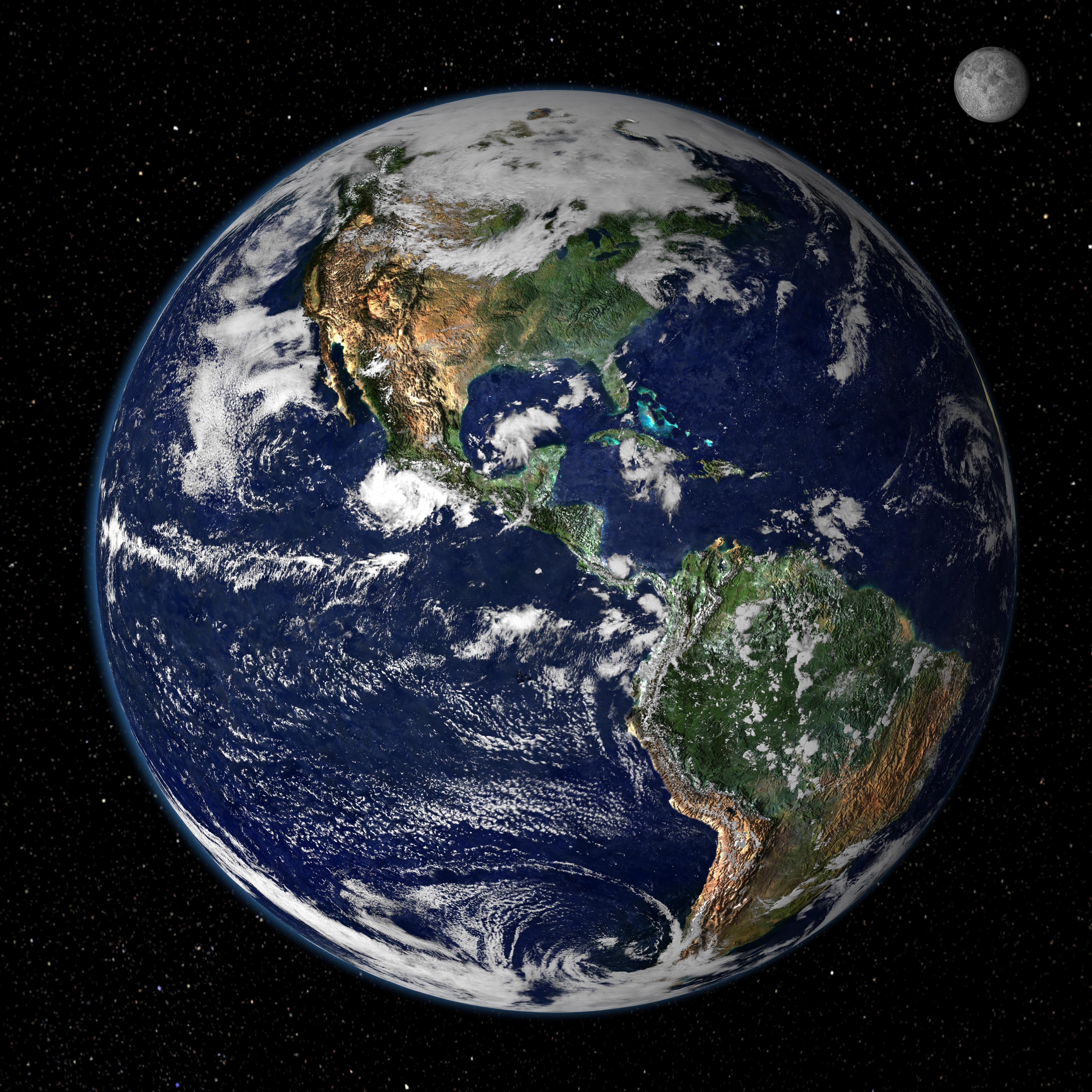
For this project we will be creating two different types of images one will be polar panoramas and the other one will be spherical panoramas. These two types of images both look circular when completed but the insides look very different. These two types of images also both need to include the sky in order for them to look interesting. They both also need be outdoors in order for them look like a real world. The difference between them is that polar panoramas look like little tiny worlds kinda like how a photo of the earth would look like. Polar panoramas also need to have a sky all around them, while spherical panoramas don't need to.

The polar panoramas we have created are also known as tiny worlds. These tiny worlds are supposed to be surreal, I mean they are TINY worlds!. The process to create these worlds is pretty simple until it comes time to blend the photos together to look somewhat real. Since these photos are from a panorama, the two ends won't perfectly blend so there's always a line where the two ends meet. Some methods to remove this line include using the clone tool to repeat colors throughout the image. Another trick to do is to rotate the image so the viewers eyes don't go straight to the spot you blended so they don't notice it as much. And lastly, you can take the images a certain way so that it will be easier to blend them. You can do this by having not as much things in the foreground of the last images, for example, trees, bushes, and fences. You can do this by taking good images in your photo sessions.

Hockney Style Joiners

Hello so for the first semester of our school year we have been working on our video skills. And now that we started our second semester we started to work on photography and photo editing. Our first project is creating photo montages that are inspired by David Hockney

David Hockney is 78 years old and lives in the UK. He is very famous for his photomontages such as various ones he has created of his mother. Hockney's Photomontages are amazing works of art and show a lot of creativity. The difference between my photomontages is that his are kind of old and rustic looking, while mine are kind of bright and almost look fake because they have such a pop of color! I just feel that his aren't really very happy because they just look kind of dull and dark, In my opinion, this actually gives the photos a pretty cool look. My photomontages that I have created so far are pretty bright and colorful because personally I like that kind of pop look. Overall I really like the look of both his and my styles of photomontages.

Images can be shared through a variety of social media and other sites. Some of them may be very positive and others can be negative. Images can send positive messages if they are inspirational photos. They can also be positive if the photo is of something that makes people happy. Negative images could be of something that people either don't want to see or is inappropriate. Negative messages could also be images that targets  yourself or others as bad people. Overall, I think that we should really try out best to take photos that send a positive message to the people that will be viewing it.

For our class, three photomontages were required. One was a practice photomontage which we made from the doorknob photo we took, the next one was of one of our classmates, and the last one was a final where we were supposed to take at least 25 photos of something that we either enjoy doing or is special to us. For my final photomontage, I decided to take photos of a basketball court since I really enjoy playing basketball and basketball is special to me. The message I was trying to send was basically to try to get my audience to see that I like playing basketball and it means a lot to me. I was also trying to get the message that I go and play basketball every morning and that I'm trying my best to get better.


Wednesday, December 9, 2015

Scratch Game Design


Hello people so for the past few weeks we have been working in scratch coding games. We first started with a chase game where we needed to create a game where one sprite has to chase another. Then the second game we created was a plat former game where we needed to make a gravity engine to make a sprite get to an object and pass at least 2 levels.

User experience influenced how my game turned out a lot. I really liked the way scratch is set up for easy use and good instructions. One example is the side bar that has simple instructions to help the users code simple motions. Also Its very addictive because once you start you just want to make everything perfect. Like when you plan to make 3 levels and end up with nine. Or when you set a timer for half an hour and end up working on it for 3 hours. I also really like how scratch sets up their program so you can easily create, share, and embed your projects with ease.  At first I really disliked scratch because it made no sense to me, but now I know a lot about each block and what function it does. Therefore I really like scratches user experience I think its an amazing program.

Both of my games and many other peoples games have similar code and blocks. For example mostly everyone if not everyone has repeat forever or if blocks included in their games also "when green flag pressed" blocks. Its basically the same way with features everyones chase and platformer games should have all included a timer so the games ends somehow. Also everyones game should have included sprites which move around the screen. Some features that each game have that are different from each other is  that in the platformer game a way to jump with either a gravity engine or simple jumping. Therefore they both have very similar features and blocks.

I think that my best code so far would have to be my plat former game. This is for two reasons for 1 its the most complex of everything I have created. And the second reason Why its my best code is because it took me the most time, I pretty much worked on it for about 2 weeks in class then for about 3 hours straight at home. I had one very difficult bug fix to make and that was trying to get the "you win" sprite to show up at the end of the game. I fixed this by watching youtube videos and searching on scratch. Yet there still is a little problem still in my game, which I will try to work out. Overall I liked the way my plat former game turned out.

Tuesday, December 1, 2015

Invention Commercial


Hello, so for the past few weeks we have been working on a commercial for a product that we invented. This has been a pretty enjoyable project and was happy with the way my teams commercial is going so far.

 If you guys didn't know from my previous blog my team consists of me, Meleana Keawe, and Makaio Gonsalves. Our main goal for this assignment was to create a humous, informative commercial. So like almost all of our projects in our G.T class we strated with a project plan, in these plans we type in all the script and b-roll in and try to follow that plan throughout the project. So I mostly edited the commercial so I could try to complete these goals. Makaio seems to have the best creativity so he mostly gave ideas on shot angles and gave suggestions for jingles. And lastly Mele  who pretty much helped all around with editing and filming. With us all working together completing different tasks we met our goal.

Our teams best moment would have to be when we almost broke our invention (The car).
So we first planned to make our drive on water, land, and also air. This is when we almost broke it. As we were planning me and Makaio decided that it would be pretty cool if we could make the car look like it was flying so we made  a parachute with a plastic bag so the car would slowly go down. I got on a 6 foot ladder and we set the camera up, then I let the car go, it hit the cement, and the top black part flew of and the car broke. As soon as it hit the floor we both bursted out laughing. Although it broke we were both laughing because we thought it would work, but little did we know gravity is pretty strong. Then we brought it back into the house and got some duct tape and zip ties and fixed it all up.

So during editing we all contributed a fair amount. We all helped with the filming and building of the car and also helped with post-production editing.  Mele mostly gave suggestions on what clips, jingles, and sound effects would fit good. Makaio organized the clips in our project dashboard. And lastly I mostly fine tuned and turned in the project. With all of us working together editing we could create a commercial that we all liked. I think that we make a good team editing, and filming together.


Thursday, November 12, 2015

Composition Scavenger Hunt


 Hello people so in our GT class we have been working on a commercial and we must include multiple composition techniques. Keep reading to learn more about what we have been working on.

 I  believe that the most important composition technique is rule of thirds both subject and landscape. I think this is most important because this technique is used most frequently. I also think it is important because if it rule of thirds the shot looks a lot more professional and complex. I think this is really important because if you take a bulls eye photo then the people looking at your photo wont be as interested. And the last reason why I feel this is most important is because it gives the audience a sense of complexity.

I think that the most difficult composition technique would have to be contrast in content. I think this is the most difficult because Its not used very much in our class anyway. I also think its difficult because Its kind of hard to include it in shots. Ways I can use it more is by trying to make more things pop out to the audience. I can use it to make plants, people, and other objects easier to see on a screen. An example of something that is contrast in content would be if you put a black dog and took a photo if it in front of a bright white dog.

Our team consisted of Meleana Keawe and Makaio Gonsalves, and Me. Mele enjoys Archery and Hunting. And Makaio likes to Play soccer and likes going to anahola beach. I think we make a pretty good team because we all have strengths and weaknesses which is good because we can be pretty productive and help each other out. So Makaio was the main subject in most of our clips mostly because me and mele don't really like being in front of the camera. Mele was the main camera person because she seemed to be the best and staying steady. And I mostly helped set up the shots and edited the project.